Frequency
Band power, ratios, and spectral shape.
MELLOW SIGNAL / COMING IN SDK 1.2.x
Human signals should become useful beyond specialist settings. We’re bringing them into everyday interaction with agents: a deliberate selection, a silent command, a proposed action you can confirm. Signal is the planned Mellow experience behind that goal.
Shipping with the planned Mellow SDK 1.2.x release. This preview uses simulated data.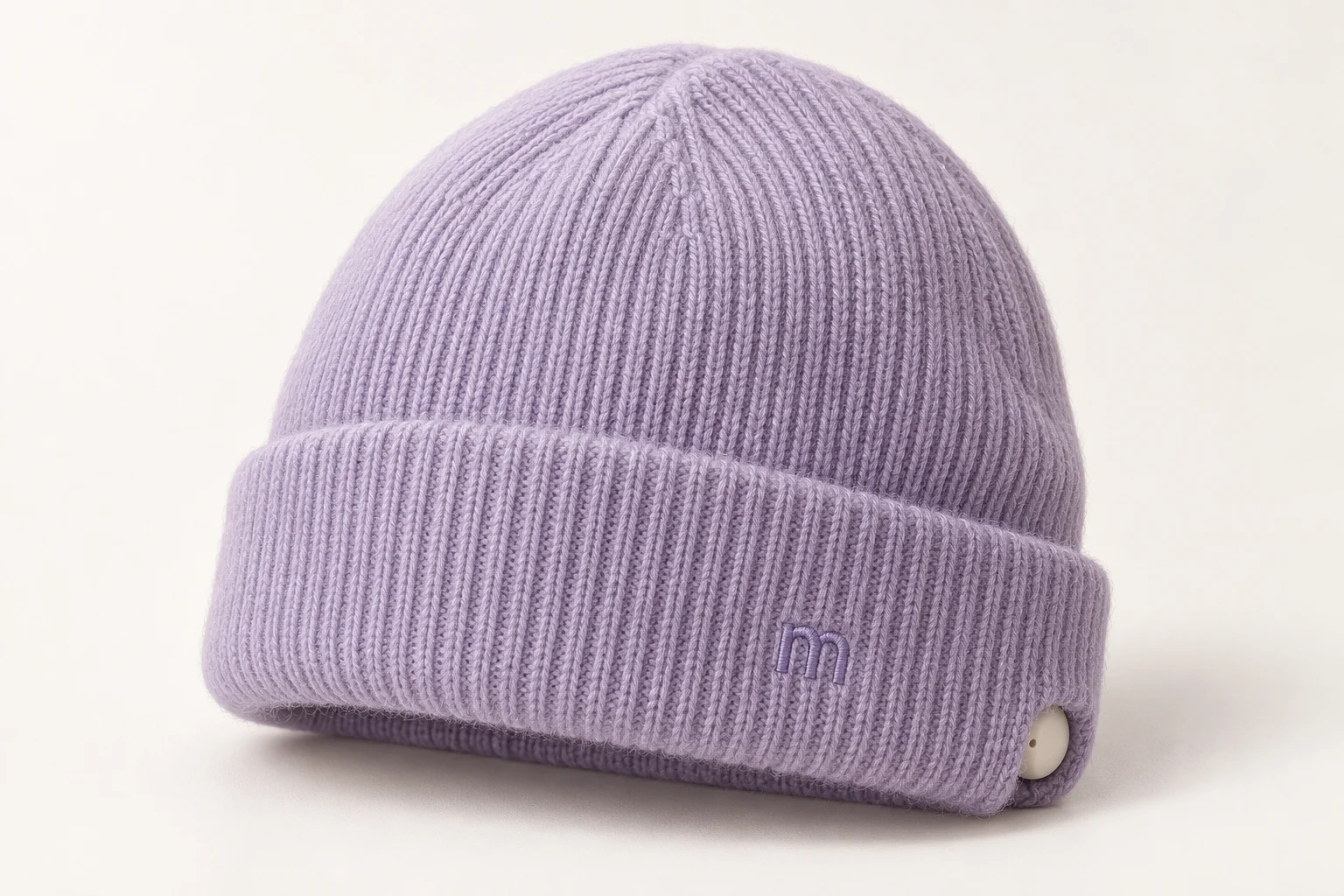 MELLOW CAP × SIGNAL
From something you wear
to an interaction you choose.
COMPARE THE APPROACHES
Mellow Signal aims to connect sensing, session insight, and agent interaction in one workspace. Compare that direction with the integration work involved in three other starting points.
| Capability | Mellow SignalComing in SDK 1.2.x | Device viewerStart with inspection | Signal libraryStart with code | Custom stackAssemble your own |
|---|---|---|---|---|
| Analysis & insight | ||||
Live signals & quality | Planned integrated view | Inspect device output | Build a view around library output | Implement acquisition and display |
Signal processing | Planned local pipeline | Use the viewer’s available processing | Compose processing functions | Choose or implement the pipeline |
Embeddings & search | Planned session exploration | Evaluate extensions or export | Add a model and search layer | Build representation and retrieval |
Session comparison | Planned shared session workspace | Evaluate built-in review or export | Build storage and comparison UI | Build recording and review tools |
| Application development | ||||
Developer interface | Planned task events and SDKs | Evaluate device export or streaming | Integrate the library API | Define and maintain your API |
Agent context & tools | Connect to the Visca foundation | Add an agent integration | Add an agent integration | Build or integrate an agent layer |
Confirmation & permissions | Planned explicit interaction controls | Define controls in your application | Define controls in your application | Design and implement the controls |
Hardware integration | Adapters planned; support unannounced | Check the viewer’s supported devices | Check the library’s supported devices | Implement or integrate device adapters |
| Ownership & availability | ||||
Data portability | Export and retention controls planned | Evaluate available export formats | Design storage and export | Own storage and export design |
Local deployment | Design goal; dependencies to validate | Check device and software requirements | Validate the assembled application | Validate the complete stack |
What you start with | Design preview; Signal not released | A selected device-viewing tool | A selected development library | Your chosen components and code |
These Signal capabilities are planned to ship with Mellow SDK 1.2.x. Supported hardware, performance, and API details will be documented with the release.
01 / INPUT QUALITY
Try three conditions. The preview shows why Mellow should pause a proposed interaction when its input becomes unreliable.
The simulated channels are stable. A valid signal still needs a defined task and your permission.
Channel count and placement are illustrative. Supported sensors and quality thresholds will depend on validated hardware.
02 / A SESSION WITH MELLOW
Waveforms, frequency bands, contact quality, motion artifacts, and a session timeline belong together. Flag unreliable segments before downstream analysis.
Band power, ratios, and spectral shape.
Channel connectivity, asymmetry, and signal complexity.
Optical pulse and movement streams where hardware supports them.
Annotations, comparison, export, and experimental sleep analysis.
On-device processing, local model assistance, and event APIs.
Configurable panels, readable indicators, keyboard controls, and accessible themes.
MELLOW SDK 1.2.x / THE SIGNAL STACK
These capabilities are planned to ship with Mellow SDK 1.2.x. Explore the complete stack and the implementation and validation work behind each capability.
| Capability | What it enables | Before release |
|---|---|---|
| Analysis / SDK 1.2.xLive signal metrics | Inspect a session while deciding whether its input is usable. | Metric definitions and device-specific accuracy. |
| Analysis / SDK 1.2.xGPU processing | Keep a responsive interface as signal workloads increase. | Supported devices, resource use, and measured latency. |
| Analysis / SDK 1.2.xNeural embeddings | Explore compact representations of recorded segments. | Encoder selection and validation for the intended task. |
| Analysis / SDK 1.2.xSimilarity search | Find candidate segments to review alongside their original context. | Retrieval quality and the meaning of a match. |
| Analysis / SDK 1.2.xSleep-stage exploration | Study longer recordings with experimental stage annotations. | Independent evaluation; no clinical claim. |
| Analysis / SDK 1.2.xSession comparison | Review two recordings without losing labels or quality context. | Comparable acquisition settings and calibration. |
| Analysis / SDK 1.2.xSignal-quality history | Trace unreliable input back to a point in the session. | Artifact detection and per-sensor thresholds. |
| Workflow / SDK 1.2.xCalibration tasks | Collect deliberate examples for a defined application input. | Individual setup and repeatability. |
| Workflow / SDK 1.2.xSession annotation | Keep the person’s description beside the recorded evidence. | Timestamp alignment and edit history. |
| Workflow / SDK 1.2.xLocal model assistance | Ask about selected session context with a model you choose. | Model access boundaries and grounded explanations. |
| Workflow / SDK 1.2.xPermissioned automation | Offer a workspace adjustment through an explicit user rule. | Confirmation, revocation, and a manual fallback. |
| Workflow / SDK 1.2.xAccessible workspace | Keep dense signal views usable with keyboard and readable states. | Usability evaluation with intended users. |
| Integration / SDK 1.2.xDeveloper event API | Subscribe to task events alongside quality and permission state. | Published schemas, versioning, and error handling. |
| Integration / SDK 1.2.xExport & portability | Move user-selected recordings into a separate analysis workflow. | Documented formats and retention controls. |
| Integration / SDK 1.2.xHardware adapters | Separate device acquisition from application interaction logic. | A tested compatibility list; no devices confirmed here. |
| Integration / SDK 1.2.xLocal execution | Keep the intended signal workflow within a chosen environment. | Offline dependencies, installation, and updates. |
| Integration / SDK 1.2.xDeveloper tools | Inspect events and replay a labeled application session. | SDK packaging, examples, and supported runtimes. |
No metric count, latency target, decoder accuracy, hardware compatibility, or API availability is implied by this preview.
03 / HUMAN AUTHORITY
Signal belongs inside the same Visca interaction model as face, voice, and spatial input. Sensing must never silently expand what an agent is allowed to do.
WHAT COMES NEXT
Start with Mellow on your Mac. Explore Signal as our path toward consumer signal interfaces, and Cap and Glasses as future ways to wear that interaction.
This is an interactive design preview. Signal capabilities are planned for Mellow SDK 1.2.x. Device support, API details, and the release date will be announced separately. The devkit shipping target does not establish a Signal software release date.
The intended contract separates sensor input, quality, user permission, and agent action. Schemas and SDK examples will follow implementation and validation; this preview is not an API specification.
No such capability is promised. Research interpretations need validation for a specific task and person. Signal is not presented as a medical device or a general thought-reading interface.
The design goal is local processing, explicit sharing, and user-controlled retention. Device connections and model dependencies must be evaluated before claiming offline operation. Glasses concepts also include a physical camera cover, separate from software permissions.